
How to Connect Electrolux AC to WiFi

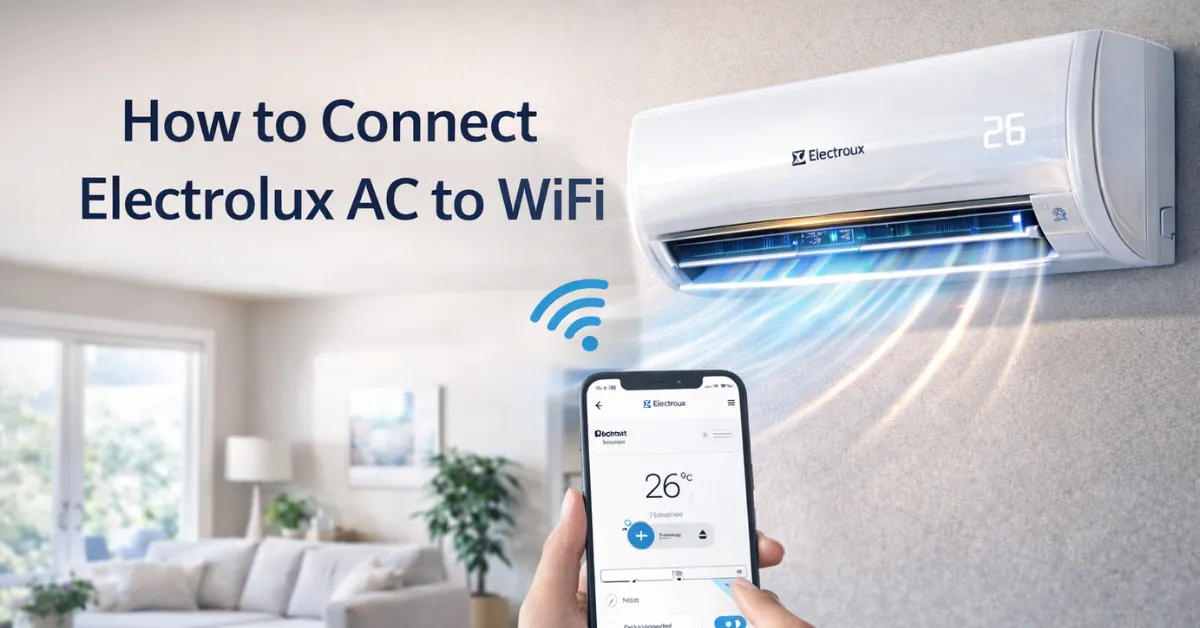
By connecting your Electrolux air conditioner to WiFi, you will have the ability to control cooling wherever you are and at any given time using your phone. You have the option to switch on or off the AC, adjust the temperature, turn on and off modes as well as track the usage without using the remote.
In case you have an Electrolux AC that uses WiFi, the full instructions to set it up are presented below in easy steps.
What You Need Before Connecting
Prior to the commencement, you must have:
- A WiFi-enabled Electrolux AC
- WiFi network (most ACs do not support 5 GHz) Stable 2.4 GHz.
- Smartphone (Android phone or iPhone)
- Electrolux Life App installed.
- AC powered ON
Step by Step Instructions on How to Connect Electrolux AC to Wi-Fi
1: Install the Electrolux App
Install Electrolux Life App in Google Play Store or Apple App Store.
2: Press the Switch of your Electrolux AC
Ensure that the AC has power and is turned ON either by the remote button or by the manual button.
3: Activate WiFi Mode on AC
- Hold the WiFi button on the AC remote.
- Hold for 5-10 seconds
- WiFi causing light will begin to blink.
- This implies that the AC is in a pairing state.
4: Open App and Add Device
- Open the Electrolux Life App
- Sign in or create an account
- Tap Add Device
- Select Air Conditioner
5: Connect to WiFi
- Type in your WiFi name and password.
- Make sure that you are connected to 2.4 GHz WiFi.
- Allow the pairing process to be accomplished.
- When connected, the WiFi light will no longer be blinking and it will become solid.
How to Control Electrolux AC After WiFi Setup
Once connected, you can:
- Turn AC ON or OFF remotely
- Change temperature
- Switch cooling modes
- Adjust fan speed
- Set timers and schedules
- It is why Electrolux smart ACs can be used at home and offices.
Common Problems and Fixes
AC Not Connecting to WiFi
- Make sure WiFi is 2.4 GHz
- Move router closer to AC
- Restart AC and router
- Reboot Wi-Fi and restart over.
WiFi Light Not Blinking
- Longer press and hold- WiFi button.
- Check if model supports WiFi
- Power reset AC for 5 minutes
App Not Detecting AC
- Switch on Bluetooth and location on cell phone.
- Update Electrolux Life App
- Try setup again from start
Will Older Electrolux ACs work with WiFi?
Advantages of having Electrolux AC connect to WiFi
- Control AC from anywhere
- Economize power, smart-scheduling.
- There is no need to be remote any more.
- Higher quality temperature control.
- Ideal for smart homes
Frequently Asked Questions- Electrolux AC WiFi Connection
Is all the Electrolux AC Wi-Fi compatible?
No. The connectivity of apps is possible only with smart or WiFi-enabled models.
What app is applied to Electrolux AC WiFi?
The Electrolux Life App.
Would Electrolux AC support 5 GHz WiFi?
No. Majority of the models support 2.4 GHz networks only.
Is it possible to manage AC outside the house?
Yes. When networked, you are able to control it anywhere through mobile data.
Final Thoughts
WiFi connection on your Electrolux AC is not complicated and is worth doing. All you need to do is take few steps in order to have the benefit of smart cooling, improved control and added convenience. In the event that your AC has WiFi capability, connection will transform your air conditioner usage entirely.